Most nutritionists spend 30 to 60 minutes building a single meal plan by hand. Multiply that by 15 clients a week and you have lost an entire workday to spreadsheets, recipe databases, and formatting. The right software cuts that to under five minutes per plan. The wrong one adds a subscription that does not pay for itself.
This guide compares the meal planning software nutrition professionals actually consider in 2026. It is written for European practitioners — because the software landscape looks different when you work with European food databases, GDPR requirements, multi-language clients, and seasonal ingredients from Lisbon to Stockholm.
What Is Meal Planning Software for Nutritionists?
Meal planning software is a professional tool that helps nutritionists, dietitians, health coaches, and personal trainers create personalised meal plans for their clients. Unlike consumer calorie-tracking apps, professional meal planning software is designed for creating plans for other people — not logging your own food.
At its core, professional meal planning software does three things:
- Calculates nutritional targets — calories, macronutrients, and (in clinical tools) micronutrients based on each client’s goals, body composition, and health status.
- Generates or supports meal plan creation — either through AI generation, template-based planning, recipe databases, or manual plan building.
- Delivers professional output — branded PDFs, client portals, or mobile app access so clients receive polished, usable plans under your practice name.
The best tools also handle dietary restrictions, allergen filtering, grocery list generation, and client progress tracking. The worst ones add friction that costs more time than they save.
Why Does Meal Planning Software Matter?
Three reasons it matters more than most nutrition professionals realise.
Time reclaimed. A 2026 comparison by Promealplan found that nutritionists using dedicated software reduce meal plan creation from 45–90 minutes to under 5 minutes. That time does not disappear — it goes toward consultations, follow-ups, client communication, or simply finishing work at a reasonable hour.
Professional credibility. A polished meal plan with your practice logo, clear formatting, and accurate nutritional data signals competence. A raw spreadsheet exported from Google Sheets does not. Clients judge the quality of your service partly by the quality of what you hand them.
Scalability. Manual planning creates a hard ceiling on how many clients you can serve. Software removes that ceiling without requiring you to hire staff or work longer hours.
How Does Meal Planning Software Work?
The workflow varies by platform, but the core process follows a pattern:
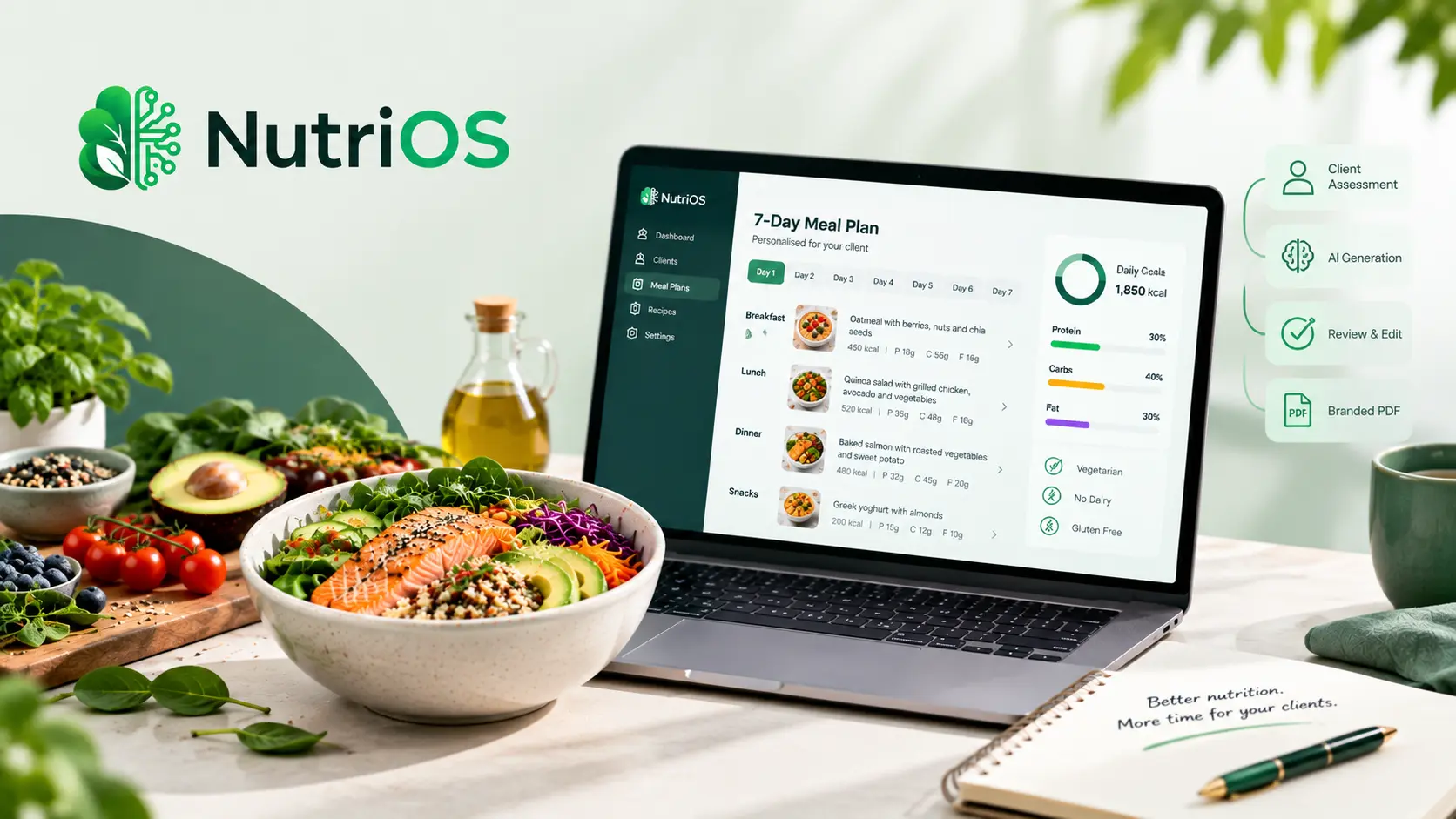
Step 1: Client intake. You enter or import client data — goals, weight, height, age, activity level, dietary preferences, allergies, medical conditions, and any relevant restrictions.
Step 2: Nutritional targets. The software calculates calorie and macro targets (and micronutrients in clinical tools) based on the client profile. Some tools use validated equations; others let you set targets manually.
Step 3: Plan creation. This is where platforms diverge significantly:
- AI-generated plans — You set parameters and the AI creates a full meal plan in seconds. You review, edit, and approve.
- Template-based planning — You start with a pre-built template (e.g., “weight loss,” “muscle gain,” “low FODMAP”) and customise it.
- Recipe database browsing — You search a verified recipe library, filter by dietary needs, and assemble plans from individual recipes.
- Manual building — You construct plans meal by meal, entering foods and portions yourself.
Step 4: Client delivery. The plan is exported as a branded PDF, shared via a client portal, or pushed to a client mobile app.
Step 5: Follow-up and adjustment. The best platforms track client adherence, allow plan modifications, and store historical data for ongoing consultations.
Key Features to Evaluate in Meal Planning Software
Not every feature matters equally. Here is what to prioritise based on how you actually work.
Verified Recipe and Food Database
Every recipe swap triggers automatic macro recalculation. The quality of the food database directly determines how fast you can build accurate plans. Look for data sourced from government or recognised institutions — not user-submitted entries with unverified nutrition data.
For European practitioners, this matters more than you might expect. A recipe database built on USDA data alone may not reflect the foods your clients actually eat. Tools with European food composition data — from national databases or the EFSA Open Access European Food Composition Database — produce more relevant plans for European clients.
Dietary and Allergen Filtering
Filter recipes by allergens, intolerances, and dietary preferences in seconds. Manually cross-referencing a recipe database for a gluten-free, dairy-free, high-protein plan is the kind of tedious work that burns out good clinicians.
White-Label Branding
Your clients should see your practice name and logo — not the software’s. A plan that says “Powered by SoftwareName” trains your client to remember the software, not you. White-label branding varies widely: some tools include it on every plan; others lock it behind premium tiers.
AI-Powered Plan Generation
AI meal planning saves significant time by generating personalised plans from dietary parameters. Not all platforms offer this — and the quality varies. The best AI tools generate plans that a nutritionist can review and approve in minutes rather than building from scratch. The worst produce generic output that requires so much editing it defeats the purpose.
Client Management
Client records, progress tracking, messaging, and appointment scheduling. Some platforms are dedicated nutrition tools; others are full practice management suites that include meal planning as one feature.
GDPR Compliance
If you practice in Europe and handle client health data — including dietary preferences, allergies, weight, conditions, and clinical notes — your data is “special category” under Article 9 of the GDPR. Your software vendor must provide a signed Data Processing Agreement (DPA), encryption in transit and at rest, client data export and deletion capabilities, and clear data handling policies. This is not optional. It is a legal requirement.
Multi-Language Support
If you serve clients across European markets, the ability to generate plans in multiple languages — and receive a client-facing interface in their language — matters more than most features on this list.
How Meal Planning Software Compares to Spreadsheets
Many nutrition professionals start with Excel or Google Sheets. Some never leave. Here is an honest comparison:
| Factor | Spreadsheets | Meal Planning Software |
|---|---|---|
| Nutritional accuracy | Manual entry (error-prone) | Verified database with auto-calculation |
| Dietary filtering | Manual recipe swaps | Automated allergen and preference filtering |
| Macro calculation | Formulas (fragile) | Automatic per-meal targeting |
| White-label branding | Manual formatting | Built-in logo, colours, practice name |
| Client delivery | Email attachment | Branded PDF, client portal, or mobile app |
| Time per plan | 45–90 minutes | Under 5 minutes |
| Scalability | Limited — more clients means more hours | High — manage more clients without multiplying admin |
| Integrations | None | Can connect with scheduling, wearables, health data |
Spreadsheets cost nothing in subscription fees but cost heavily in time and error risk. The question is not whether you can afford software. It is whether you can afford the hours you are currently spending on manual planning.
Best Meal Planning Software for European Nutrition Professionals
The European market has distinct needs that most comparison articles overlook. Here is what matters specifically for practitioners working across Europe:
- European food databases — National food composition databases from countries like the UK (CoFID), Portugal, Spain, Germany, France, and others provide more accurate nutritional data for locally consumed foods than USDA-only databases.
- GDPR compliance — Health data is special-category personal data under EU law. Your vendor must meet strict requirements for data processing, encryption, consent, and client rights.
- Multi-language support — Plans, interfaces, and client portals in English, French, Spanish, German, Dutch, Portuguese, and other European languages.
- Local ingredient awareness — Seasonal produce, regional staples, and culturally appropriate meal suggestions.
- Metric measurements — Grams, millilitres, and kilojoules as defaults, not afterthoughts.
With that context, here is how the leading platforms compare for European nutrition professionals.
Nutrium — Best for European Food Databases and Clinical Depth
Nutrium is the largest European nutrition platform with 350,000+ registered professionals across 90+ countries. Founded in Portugal, it offers 21+ country-specific food databases, micronutrient analysis, paediatric WHO Growth Charts, sports nutrition planning, and body composition device integrations. The native client mobile app includes food diary, water tracking, and in-app messaging.
- Strengths: Strong European food databases with localised nutrition data. GDPR and HIPAA compliant. Clean client management portal. Largest user base in Europe.
- Trade-offs: No AI meal plan generation — you build plans manually or from templates. No white-label branding on meal plan exports.
- Pricing: From $15–39/month (annual billing). 14-day free trial.
NutriOS — Best for AI-Powered Meal Planning with Professional Oversight
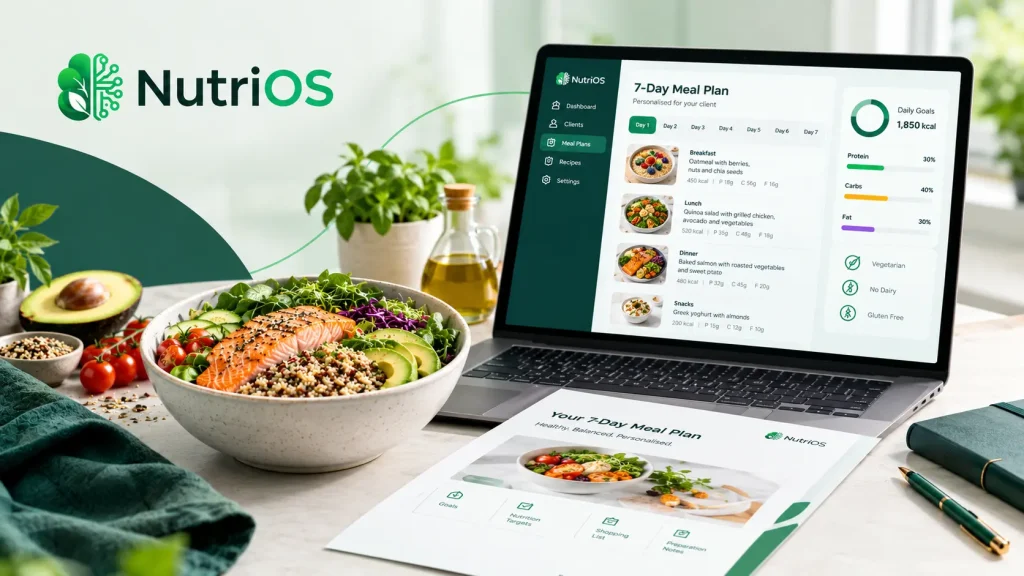
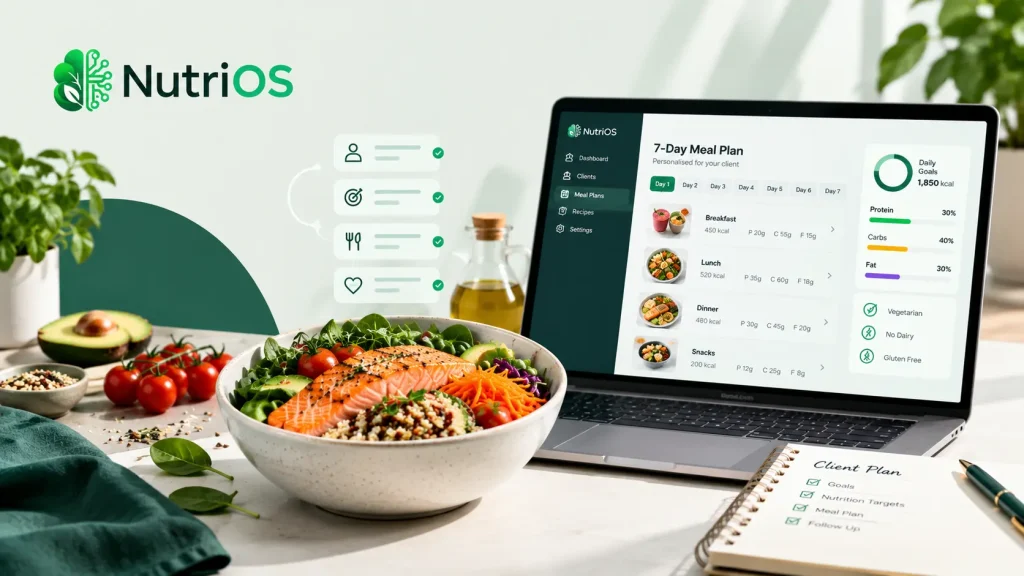
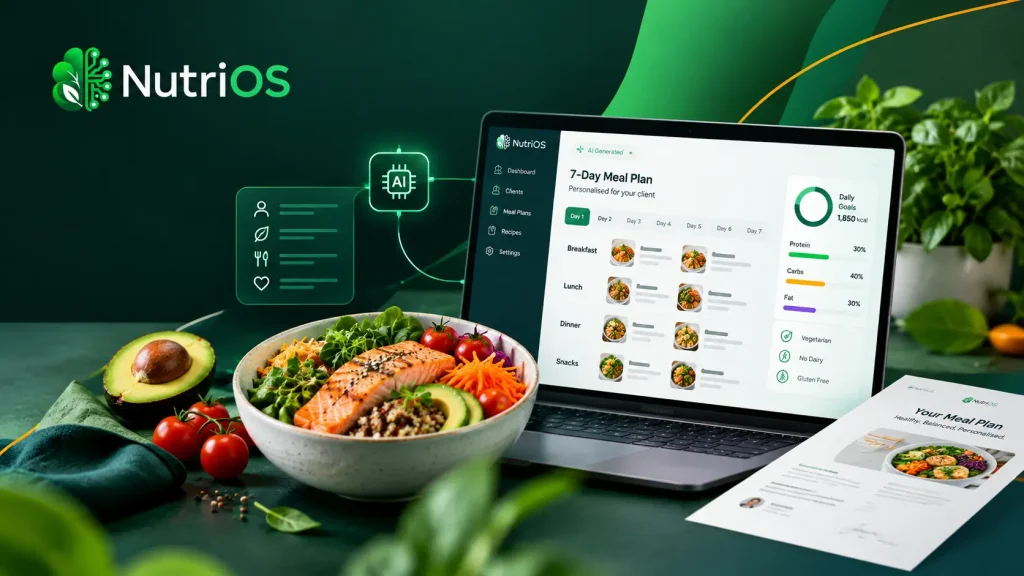
NutriOS is an AI-powered meal planning platform built for nutrition professionals who want to create personalised, branded meal plans without the manual overhead. The AI is trained around nutritional science and European seasonal foods, generating 7-day and 30-day meal plans from client details in seconds.
- Strengths: AI-generated meal plans in 30 seconds. Calorie and macro breakdown. Dietary preferences, restrictions, and allergy-aware planning. European seasonal ingredients. Professional branded PDF export. Nutritionist reviews and edits before sending — you remain in control. GDPR-conscious European positioning.
- Trade-offs: Newer platform. Focused on meal planning rather than full practice management.
- Positioning: AI handles the repetitive planning and formatting. You provide the expertise, clinical judgement, and personalisation.
Foodzilla — Best for AI Plans Plus a Branded Mobile Client App
Foodzilla offers AI-generated meal plans from 1,500+ dietitian-approved recipes, a custom-branded mobile app on iOS and Android, secure messaging, and Stripe payments. The Professional plan ($35/month annual) includes a branded app published under your business name.
- Strengths: AI meal plan generation. White-label mobile app. 100K+ verified foods from USDA, CoFID, and other databases. Food AI Scan for photo-based meal logging.
- Trade-offs: Client-based pricing on lower tiers. Primarily US, UK, Australia, and New Zealand focused. Limited European food database coverage compared to Nutrium.
- Pricing: From $33/month. 10-day free trial.
That Clean Life — Best for Recipe-Focused Meal Plans with Beautiful Exports
That Clean Life has a large, well-photographed recipe database focused on whole foods. It produces visually appealing PDF meal plan exports with automatic grocery list generation. Popular among health coaches and holistic nutritionists in North America.
- Strengths: Largest recipe library with condition-specific templates. Beautiful PDF exports. Automatic grocery lists.
- Trade-offs: No AI generation. No client management portal or mobile app. No European food databases. Limited client engagement tools between appointments.
- Pricing: From $45/month. 14-day free trial.
Practice Better — Best for All-in-One Practice Management
Practice Better combines scheduling, telehealth, intake forms, payments, and client communication with basic meal planning capabilities. It is primarily a practice management platform — not a dedicated nutrition tool.
- Strengths: Full practice management suite. HIPAA compliant. Automated scheduling and billing.
- Trade-offs: Meal planning is basic — limited recipe library, no AI generation. Most nutritionists on Practice Better add That Clean Life or another tool for proper meal planning, bringing the effective cost to $95–129/month.
- Pricing: From $25/month. 14-day free trial.
NutriAdmin — Best Budget Option with Basic AI Features
NutriAdmin is a UK-based platform offering AI-powered meal plan generation, client record management, appointment scheduling, and a 100,000+ food database. A reasonable mid-range option for practitioners who want AI features without the higher price tag.
- Strengths: Basic AI meal plan generation. Client portal with telehealth. Budget-friendly.
- Trade-offs: AI capabilities more limited than dedicated AI platforms. No white-label options. Smaller food database.
- Pricing: From $45/month. 14-day free trial.
Choosing the Right Software: A Decision Framework
The right choice depends on what your practice actually needs. Here is a practical decision framework:
Do you need AI-generated meal plans?
If speed and automation are priorities, look at NutriOS, Foodzilla, or NutriAdmin. If you prefer building plans manually from templates or recipe databases, Nutrium or That Clean Life are stronger options.
Do you need European food databases?
If your clients eat European foods and you want localised nutritional data, Nutrium leads with 21+ country databases. NutriOS incorporates European seasonal ingredients and food awareness.
Is white-label branding important?
If clients should see your name and logo — not the software’s — check this before signing up. Foodzilla (Professional plan), NutriOS, and That Clean Life (Plus plan) offer white-label options. Nutrium and Practice Better do not white-label meal plan exports.
Do you need full practice management?
If scheduling, telehealth, billing, and forms are priorities, Practice Better or Healthie cover the most ground. If meal planning is your primary need, a dedicated tool like NutriOS or Foodzilla will serve you better.
Do you work clinically with micronutrient tracking?
For clinical nutrition (renal disease, anaemia, pregnancy, paediatric), tools with 25+ nutrient tracking and validated databases are essential. Nutrium and Cronometer Pro are strong here.
Are you GDPR-bound?
If you handle client health data in Europe, verify that your vendor provides a Data Processing Agreement, EU data hosting or Standard Contractual Clauses for non-EU processors, encryption in transit and at rest, and client data export and deletion capabilities. This is a legal requirement under Article 9 GDPR — health data is special-category personal data with the highest protection class.
European-Specific Considerations
Several factors matter specifically for nutrition professionals working in Europe that most comparison articles ignore.
GDPR and Health Data
Client dietary information, allergies, medical conditions, weight, blood markers, and clinical notes all qualify as special-category personal data under Article 9 of the General Data Protection Regulation. This means your software vendor must meet stricter requirements than standard SaaS providers. Before signing a contract, ask for: a signed Data Processing Agreement, a clear list of sub-processors and their roles, Standard Contractual Clauses for any non-EU sub-processor, encryption standards (TLS in transit, AES-256 at rest), and client rights tooling for export, rectification, and deletion on demand.
European Food Composition Data
The EFSA Open Access European Food Composition Database provides harmonised nutrient data covering approximately 28,000 food commodities from 16+ national databases across EU and EFTA countries. Software that integrates European food data — or allows you to import from national databases — produces more accurate plans for clients eating European foods. A recipe database built solely on USDA data may not adequately represent the nutritional profile of Mediterranean, Nordic, or Central European ingredients.
Seasonal Ingredients
European nutrition practice benefits from awareness of seasonal produce availability. A meal plan suggesting fresh berries in January for a client in Berlin or Brussels misses the practical reality of what is available, affordable, and nutritionally optimal at different times of year.
Multi-Language Practice
If you serve clients across European markets, the ability to generate meal plans, grocery lists, and client communications in multiple languages is not a luxury — it is a practical necessity. Check whether the platform supports your clients’ languages natively or through reliable translation.
Metric Measurements
European practice uses grams, millilitres, and kilojoules. Software that defaults to cups and ounces creates unnecessary conversion work.
Common Mistakes When Choosing Meal Planning Software
Buying for features you will not use. A clinical nutritionist does not need the same toolset as a fitness-focused health coach. A solo practitioner does not need enterprise team management. Match the software to your actual workflow, not a feature checklist.
Ignoring the per-client cost model. Some platforms charge per active client. A $33/month Starter plan sounds affordable until you discover each additional 5-client block costs $4/month. A dietitian with 20 clients may pay more than the Professional tier costs. Calculate your real cost before committing.
Assuming Practice Better does meal planning. It does not, not really. The product itself recommends integrating That Clean Life. If meal plans are the core deliverable for your clients, you are paying for two tools, not one. Effective monthly cost lands around $95–129.
Choosing clinical-grade tracking when you do not need it. Tools like Nutrium and Cronometer Pro track 25+ nutrients. That is necessary for clinical nutrition — renal disease, anaemia, pregnancy. It is overkill for fitness, weight management, or general wellness, where macros and total calories drive 95% of outcomes. Do not pay for clinical-grade tracking if your practice is macro-driven.
Skiping the GDPR check. If you practice in Europe and store client health data, using a vendor that cannot provide a signed DPA is a compliance risk. The wrong call here can result in regulatory consequences.
Not testing with a real client scenario. Every free trial should include building a meal plan for an actual client. Synthetic test data does not reveal the real friction points in your daily workflow.
What AI-Powered Meal Planning Actually Means
AI meal planning has moved beyond basic recipe suggestion. In 2026, modern AI tools can generate full 7-day or 30-day personalised meal plans from client parameters — goals, dietary preferences, allergies, calorie targets, macro splits, and lifestyle factors — in seconds rather than minutes.
But there is an important distinction between AI-assisted and fully automated planning.
AI-assisted planning (like NutriOS) generates a draft meal plan based on your client’s profile. You review it, adjust portions, swap recipes where needed, and approve the final version. The AI handles the repetitive calculation, portion balancing, and formatting. You provide the clinical judgement, personalisation, and professional oversight.
Fully automated planning (where it exists) generates a plan and sends it directly to the client without professional review. This approach carries clinical risk and is not appropriate for nutrition professionals who take responsibility for their recommendations.
The practical value of AI-assisted planning is significant: what once took 30–60 minutes per client now takes 2–5 minutes of review and editing. That time savings compounds across your entire client base.
Practical Example: A Week in the Life
Consider a nutritionist in Amsterdam with 15 active clients. Without software, she spends roughly 45 minutes per meal plan — that is 11.25 hours per week on plan creation alone.
With AI-powered meal planning software:
- Client intake takes 10 minutes (vs. 15 minutes manually gathering data).
- Plan generation takes 30 seconds (AI creates the draft).
- Review and edit takes 3 minutes (adjust a recipe here, swap an ingredient there).
- Export and send takes 1 minute (branded PDF or portal push).
Total time per client: roughly 15 minutes. For 15 clients: 3.75 hours per week. That is a savings of 7.5 hours weekly — roughly two additional consultation slots, or an afternoon off.
The reclaimed time does not just reduce workload. It changes what is possible for your practice.
Frequently Asked Questions
What is the best meal planning software for nutritionists in 2026?
The best meal planning software depends on your specific needs. For European nutritionists wanting AI-powered planning with localised food awareness, NutriOS and Nutrium are strong options. For those needing a branded mobile client app, Foodzilla offers that capability. For recipe-focused meal plans with beautiful exports, That Clean Life is well-regarded. The “best” software is the one that fits your workflow, client base, and budget — not the one with the longest feature list.
How much does professional meal planning software cost?
Professional meal planning software ranges from free to $299/month depending on features, client volume, and branding needs. Dedicated meal planning tools typically start at $15–45/month. All-in-one practice management platforms with nutrition features start at $25–65/month. Calculate your real cost including per-client fees before committing.
Can meal planning software replace a nutritionist’s expertise?
No. Meal planning software is a tool that amplifies your clinical judgement, not a substitute for it. You still assess each client, set their nutritional targets, choose dietary approaches, and monitor outcomes. The software handles the mechanical work — calculations, formatting, recipe matching, and delivery. Your expertise remains the core of the service.
Do I need GDPR-compliant software if I practice in Europe?
Yes. If you handle client health data — including dietary preferences, allergies, weight, conditions, and clinical notes — this data is “special category” under Article 9 of the GDPR. Your software vendor must provide a signed Data Processing Agreement, encryption in transit and at rest, client data export and deletion capabilities, and clear data handling policies. This is a legal requirement, not optional.
What is the difference between AI meal planning and manual meal planning?
Manual meal planning requires you to select recipes, calculate portions, balance macros, check allergens, and format the plan yourself — typically 30–60 minutes per client. AI meal planning generates a complete draft plan from client parameters in seconds, which you then review, edit, and approve — typically 2–5 minutes of professional oversight. The AI handles the repetitive calculation; you provide the clinical judgement.
Should I choose an all-in-one platform or a dedicated meal planning tool?
It depends on your primary bottleneck. If scheduling, telehealth, billing, and forms are your main pain points, an all-in-one platform like Practice Better or Healthie may be the right choice — though you may still need to add a dedicated meal planning tool. If meal plan creation is your primary daily task, a dedicated tool like NutriOS, Foodzilla, or That Clean Life will serve you better.
What food databases matter for European nutrition practice?
European food composition data — from national databases (CoFID in the UK, national databases in Germany, France, Spain, Portugal, and others) and the EFSA Open Access European Food Composition Database — provides more accurate nutritional data for locally consumed foods than USDA-only databases. Software that integrates or allows import from European databases produces more relevant plans for European clients.
Key Takeaways
- Meal planning software reduces plan creation from 30–60 minutes to under 5 minutes per client.
- European nutrition professionals need software that addresses GDPR compliance, European food databases, multi-language support, and seasonal ingredients.
- AI-powered meal planning generates drafts in seconds — but professional review and approval remain essential.
- The right software depends on your practice type, client base, and primary workflow bottleneck.
- Always test with a real client scenario during the free trial period.
- Verify GDPR compliance before signing any contract that involves storing client health data.
Try NutriOS
NutriOS helps European nutrition professionals create personalised, branded meal plans using AI trained around nutritional science and European seasonal foods. AI handles the repetitive planning and formatting. You provide the expertise.